Number validator
Check which phone numbers are on WhatsApp before you message them, one by one and gently. Copy the good numbers or download everything as a CSV.
Number validator checks which numbers are on WhatsApp, before you message them. That saves you from failed sends in a big broadcast. It is a tile in Free Tools.
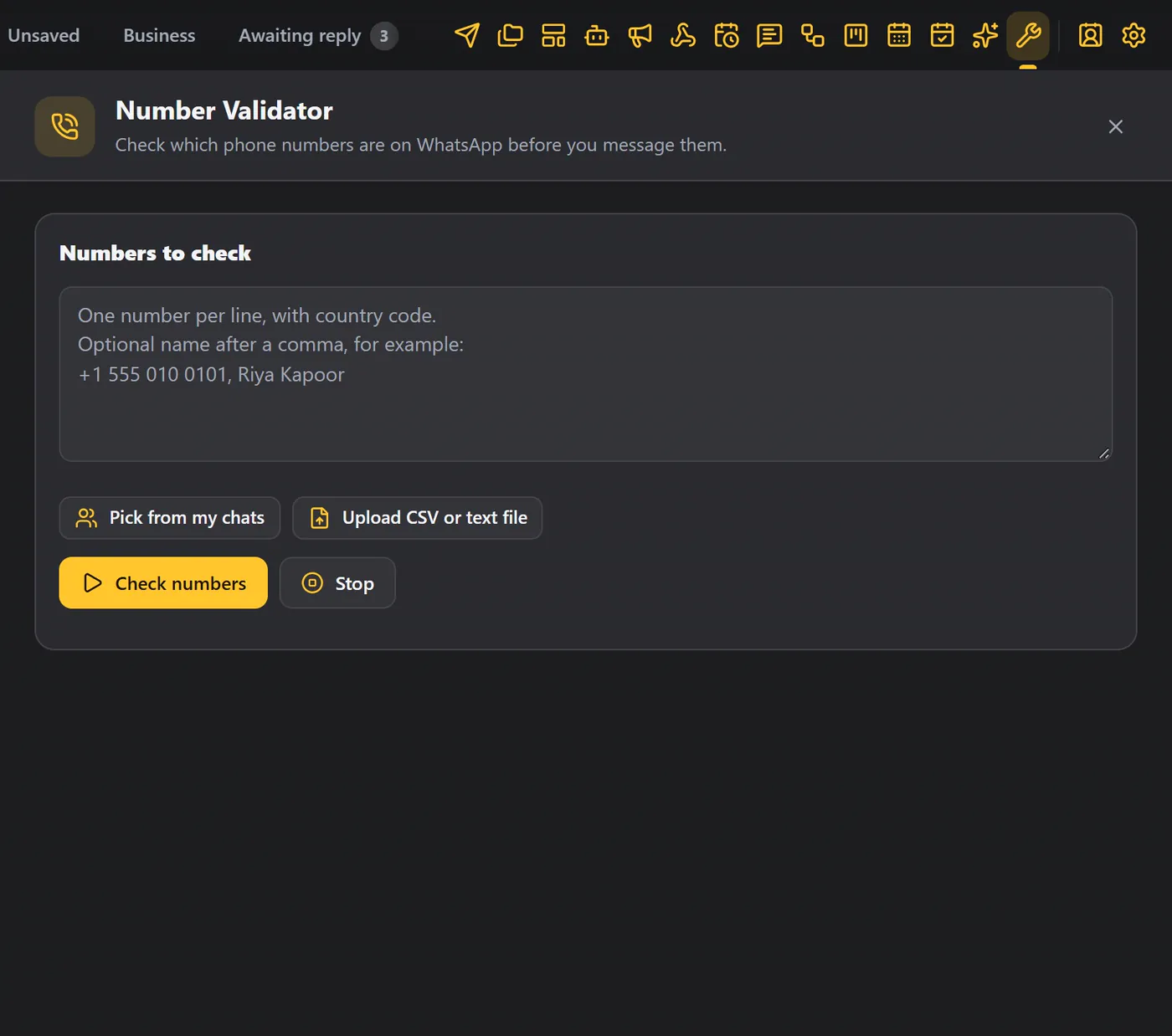
Check numbers#
- In Numbers to check, type or paste the numbers with the country code, one per line. A name after a comma is optional.
- Or click Pick from my chats, or Upload CSV or text file.
- Click Check numbers.
WAFlow checks them one by one, with a short pause between each, so it stays gentle. Click Stop if you need to.
The results#
You see how many are on WhatsApp, and how many were not found. Each number says:
| Result | Meaning |
|---|---|
| Yes | The number is on WhatsApp. |
| Yes, business | The number is on WhatsApp as a business account. |
| No | The number was not found on WhatsApp. |
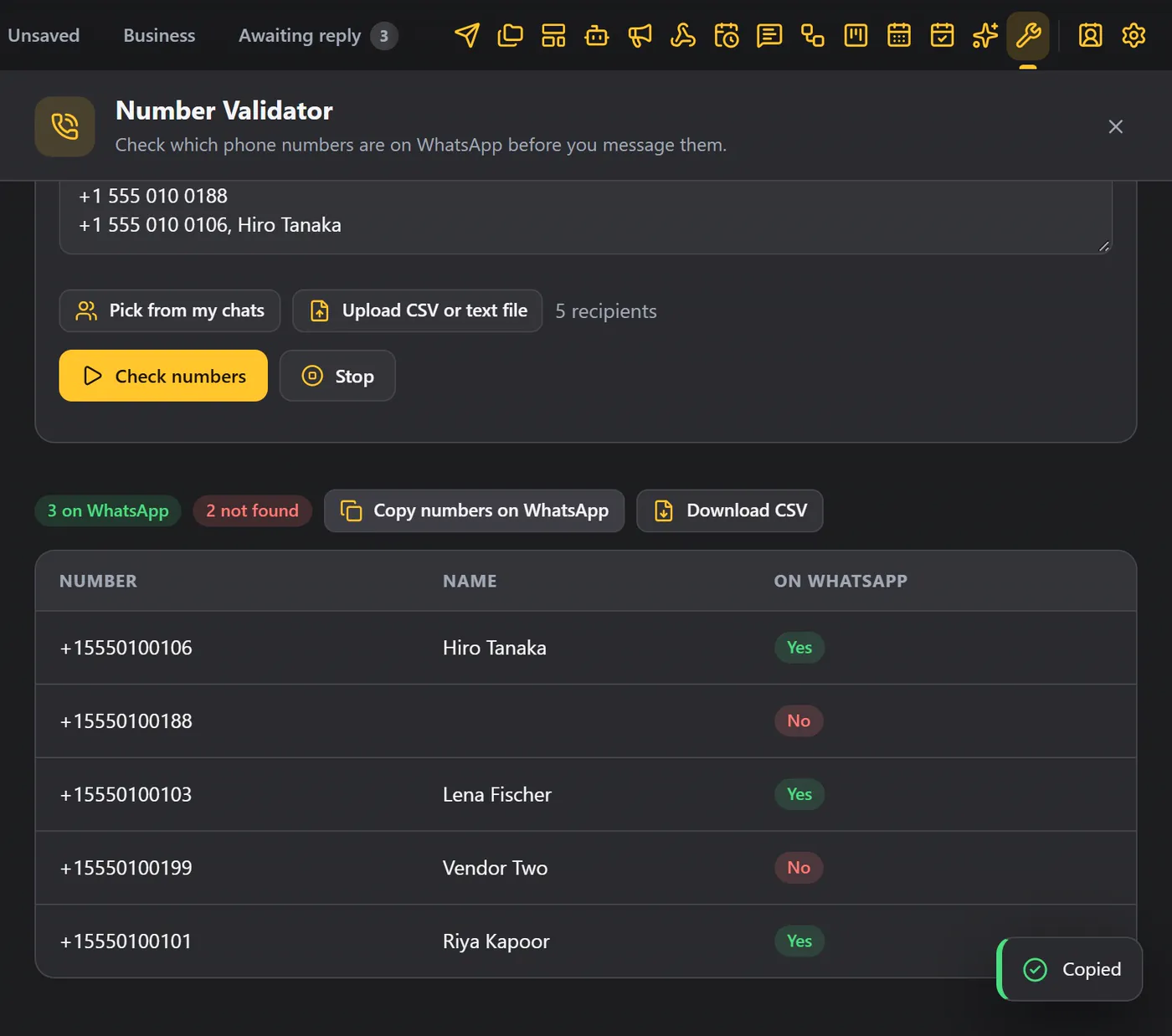
- Copy numbers on WhatsApp copies only the good numbers, ready to paste into Send Message or a broadcast.
- Download CSV saves everything, with the result for each number.
Tips#
- Check your list before a big broadcast, and send only to the numbers that are on WhatsApp.
- Include the country code on every number, for example
+91. - For a very long list, check it in parts.