Click-to-chat link
Make a wa.me link and a QR code that open a WhatsApp chat with your message ready. Put it on your website, a poster or a business card.
Click-to-chat link makes a link and a QR code that open a chat with a ready-made message. It is a tile in Free Tools.
Make a link#
- Type a phone number with the country code.
- If you like, add a ready-made message.
The link appears as you type. It looks like https://wa.me/919876543210?text=Hi!%20I%20would%20like%20to%20know%20more%20about%20your%20plans.
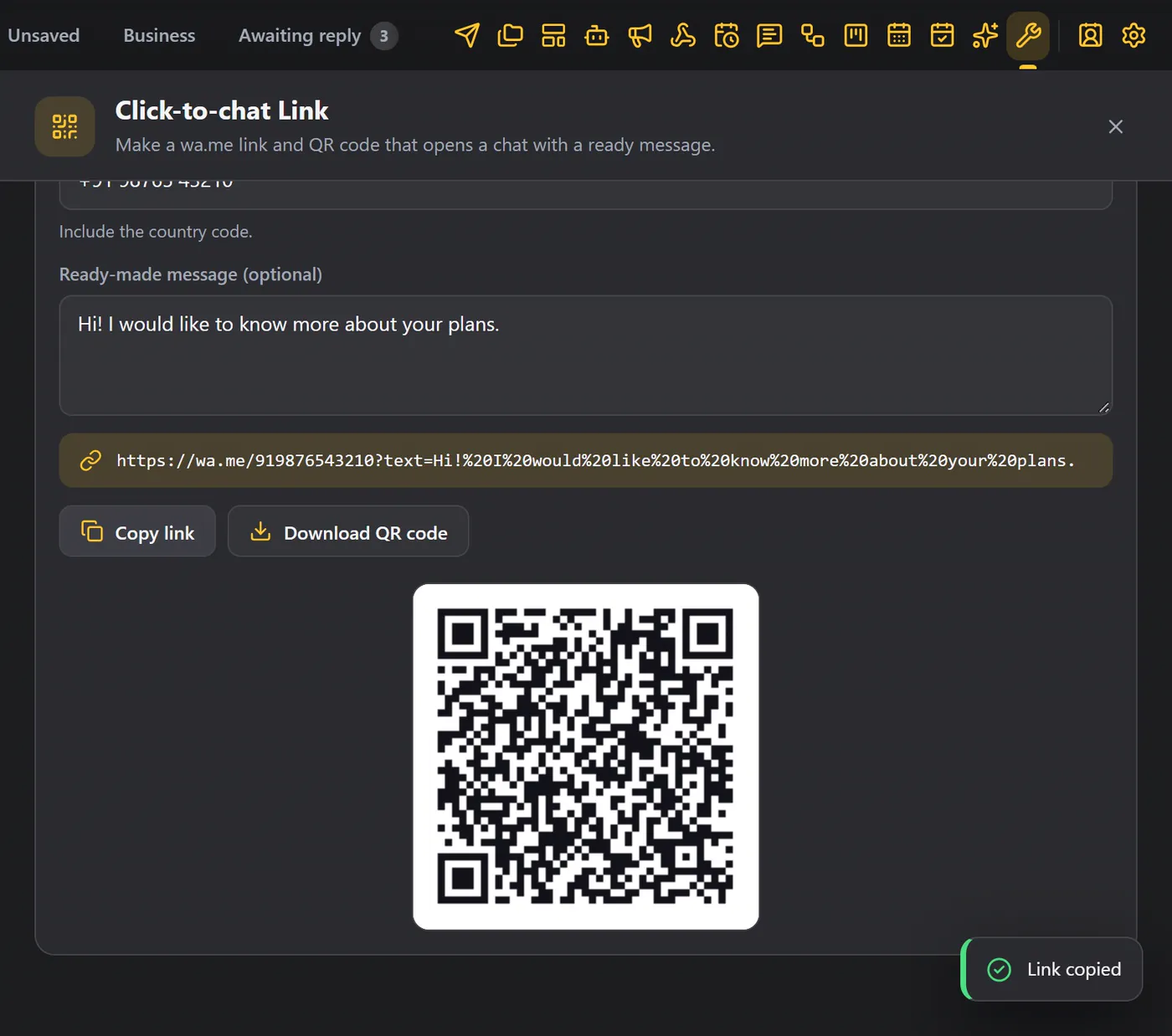
Copy it, or download the QR code#
- Copy link copies the address.
- Download QR code saves the QR code as a picture.
Put either one on your website, a poster or a business card. When a customer clicks the link or scans the code, a chat opens with your message ready to send.
Make a different link for each place, with a different first message, for example "Hi! I saw your poster" or "Hi! I found you on your website". When the message arrives, you know where the customer came from.
Good to know#
- The link works for anyone with WhatsApp. It does not need WAFlow on the customer's side.
- Use the number you chat from, with the country code and without spaces.