Export contacts
Save your chats, contacts, tabs, boards, tags, labels or group members as a spreadsheet (CSV) or a JSON file.
Export contacts saves your chats as a spreadsheet. It is a tile in Free Tools.
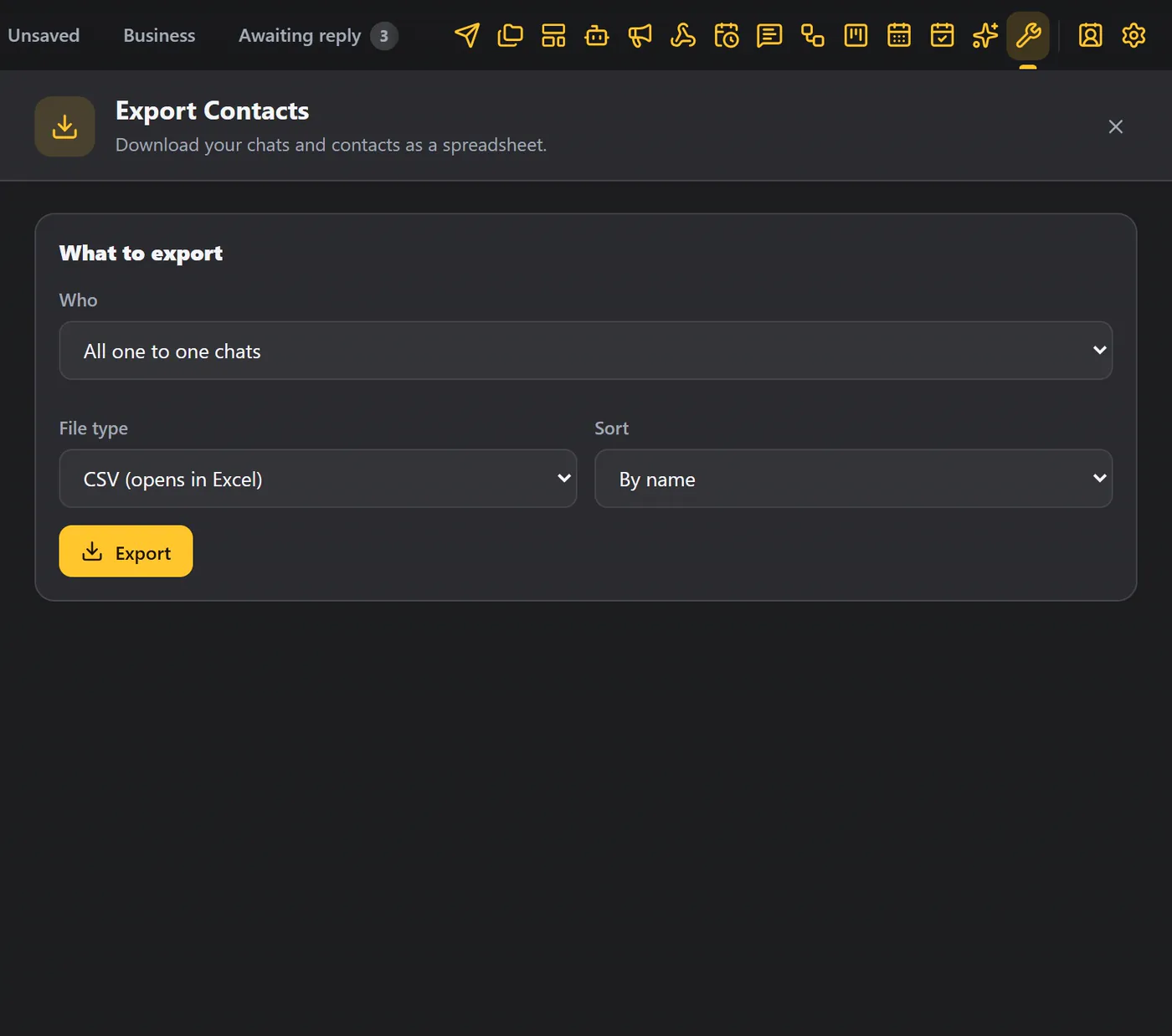
Choose who to export#
Under Who, choose one of:
| Option | Exports |
|---|---|
| All one to one chats | Every person you have chatted with. |
| Saved contacts only | People who are in your contacts. |
| Chats in a custom tab | The chats in one of your custom tabs. |
| Chats on a Kanban board | The chats on a Kanban board. |
| Contacts with a tag | People with a CRM tag. |
| Chats with a WhatsApp label | Chats with a WhatsApp Business label. |
| Members of groups | Every member of the groups you choose. |
File type and order#
- File type: CSV (which opens in Excel) or JSON.
- Sort: by name, or most recent first.
Click Export. You get the name, phone, email, type, tags, board and the number of notes.
Members of groups#
For Members of groups, choose the groups.
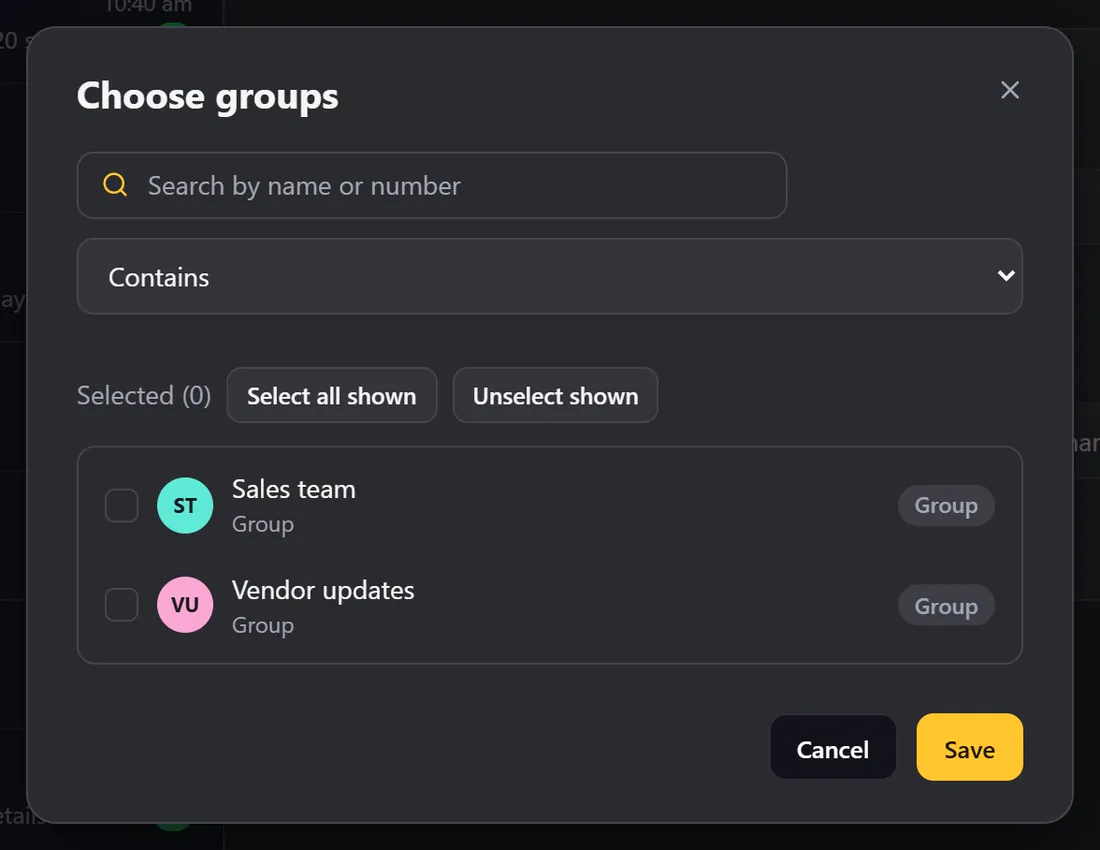
You get every member, with the group, the name, the phone number and whether they are an admin.
Tips#
- Use the CSV to build a list for a broadcast, or to load your contacts into another tool.
- To back up everything (notes, boards, bots and more), use Import and export data instead.