Appearance and language
Switch between light and dark, and use WAFlow in eleven languages, including right-to-left Arabic and Hebrew.
Both settings are in the Settings menu, under the gear.
Appearance#
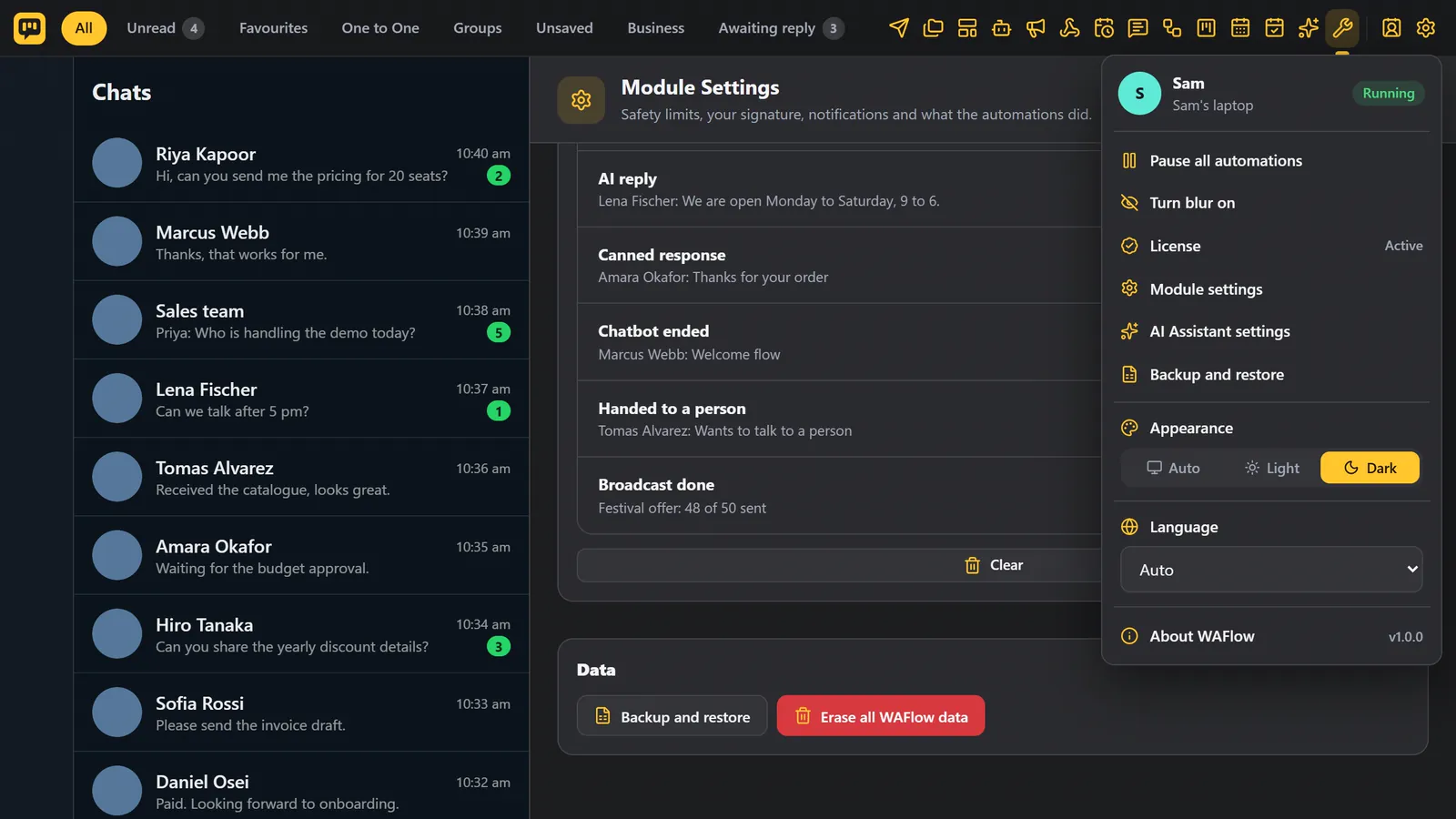
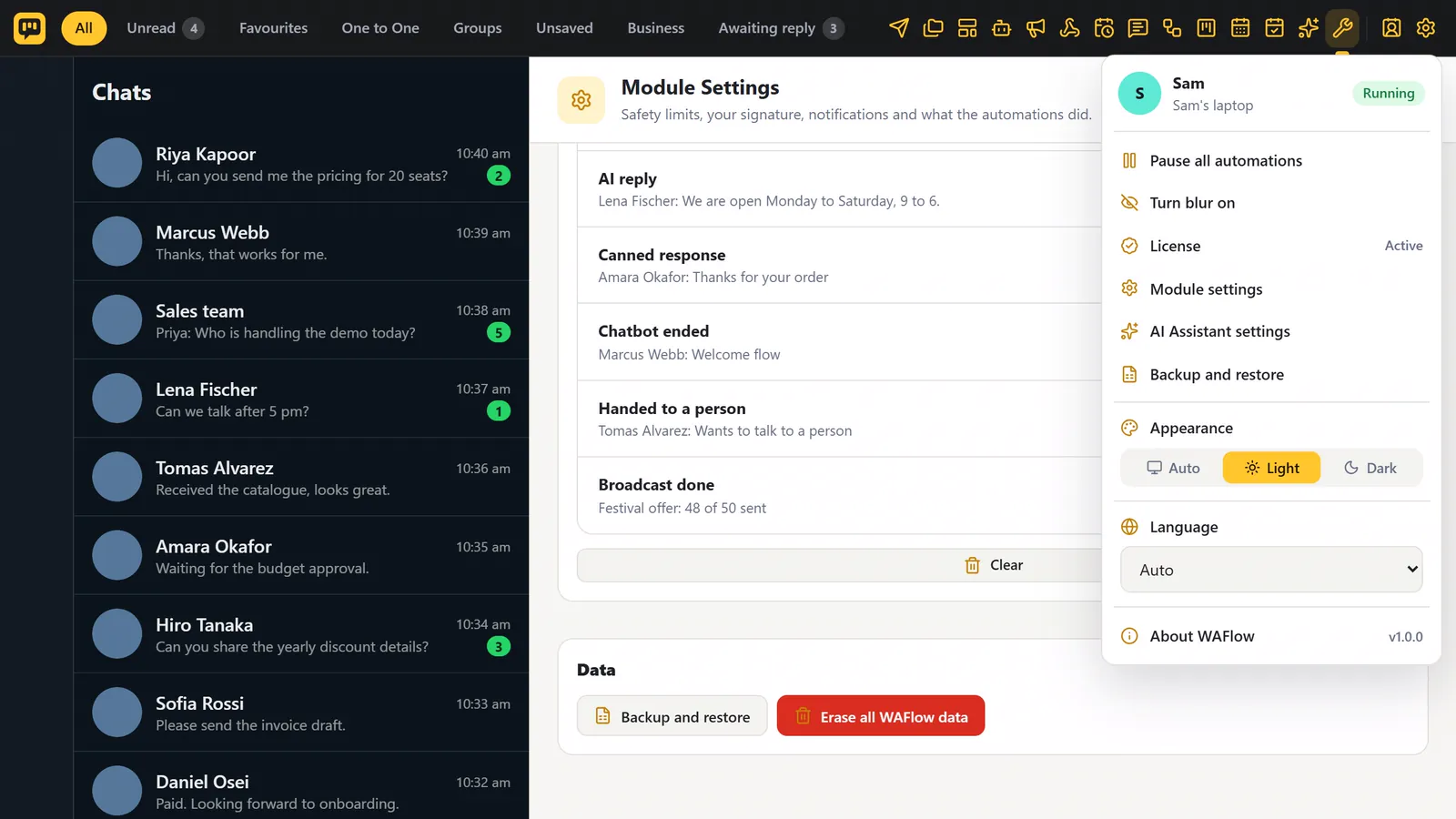
Appearance switches between Auto, Light and Dark. Auto follows your computer.
Language#
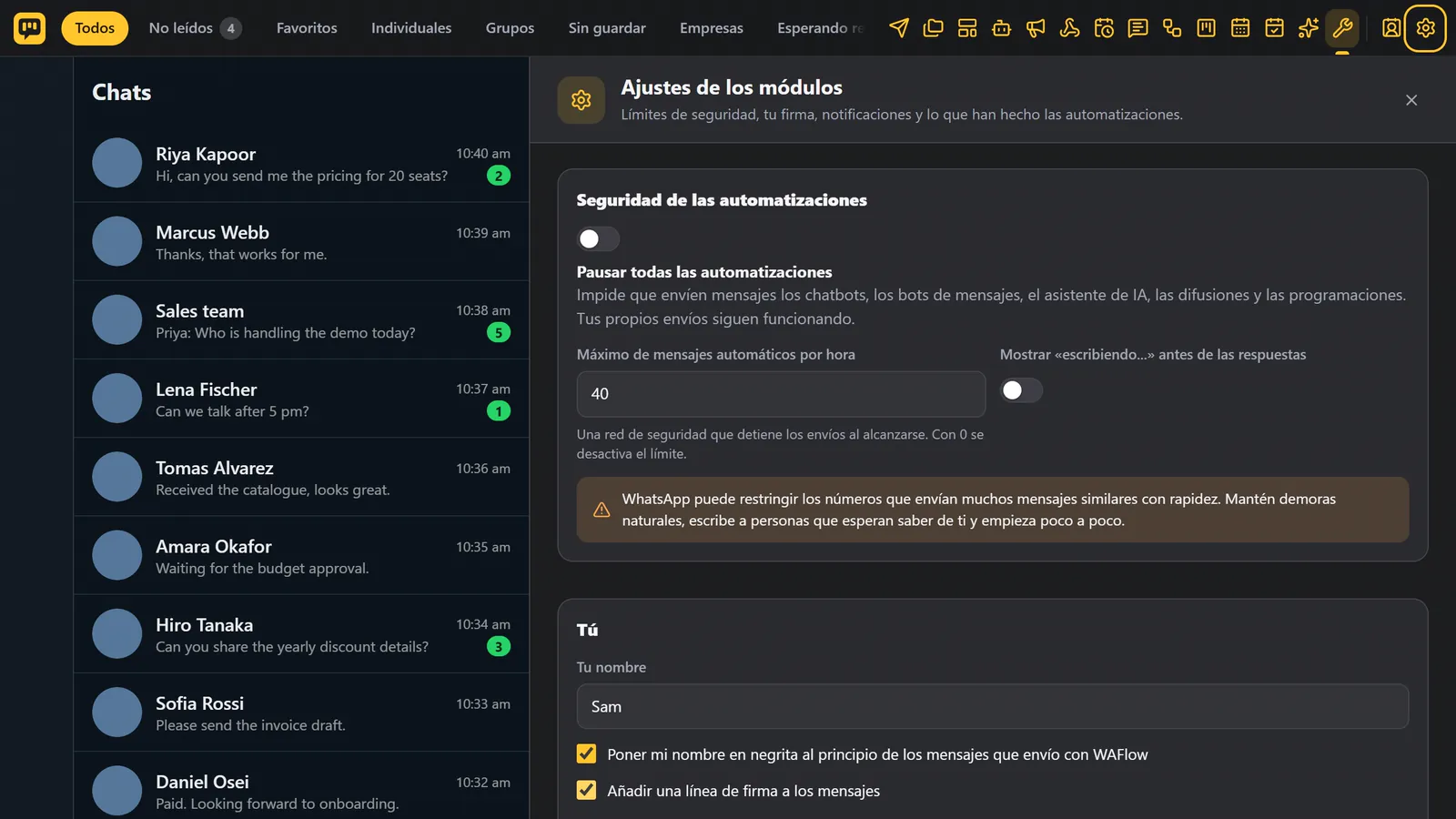
Language has eleven choices:
| English | Spanish | Portuguese (Brazil) |
| French | Hindi | Indonesian |
| Russian | Turkish | Chinese (Simplified) |
| Arabic | Hebrew |
Or choose Auto, to follow your browser.
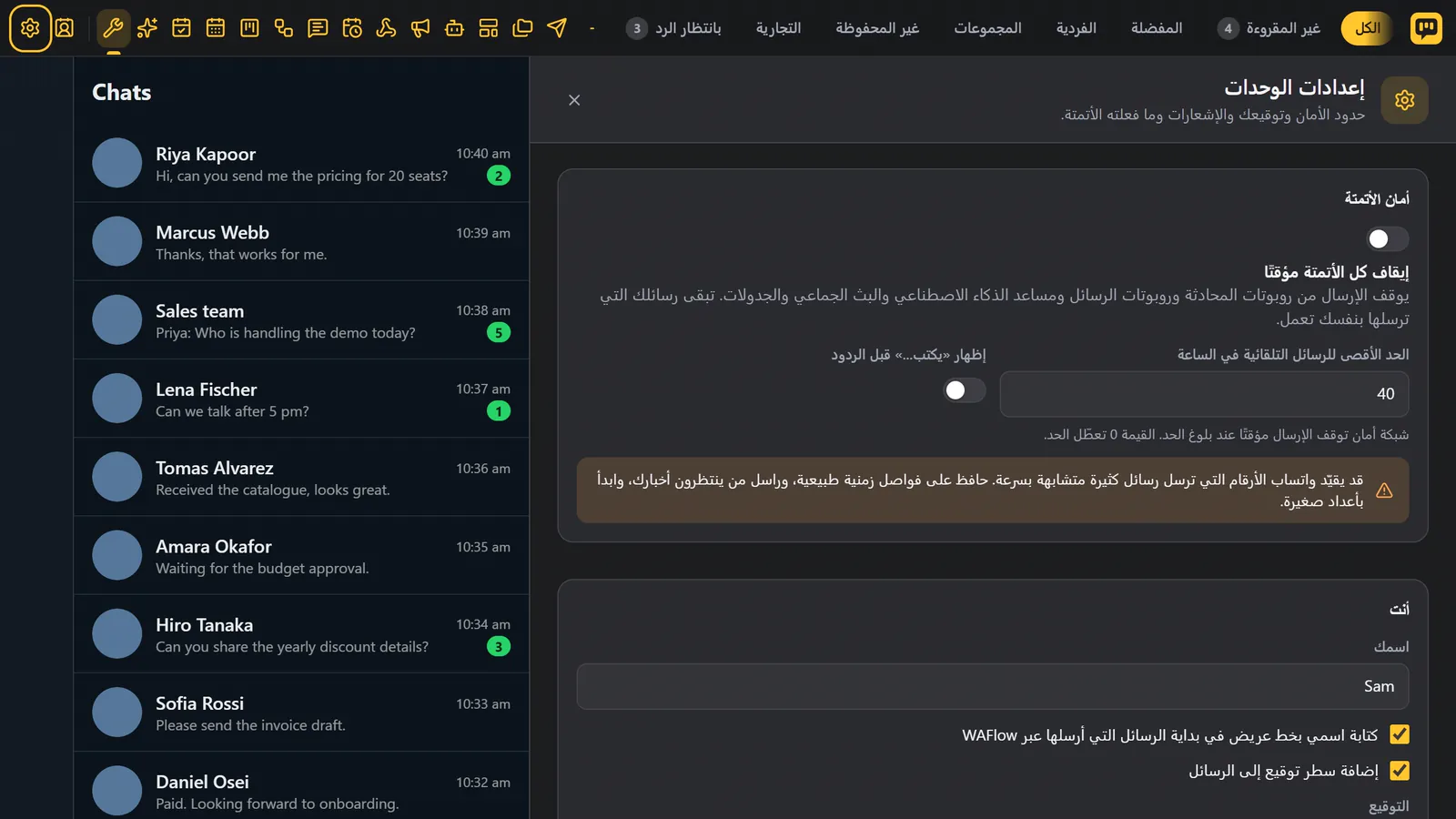
The screen changes at once. Arabic and Hebrew turn the whole layout from right to left.
What stays in English#
Some things are deliberately left in English:
- The instructions sent to the AI, because models follow English instructions best. Your knowledge and the assistant's replies can be in any language.
- The starter content you can edit anyway: starter tags, Kanban board names, the chatbot template library, and the default reminder and hand-off messages.
- Technical diagnostics.
Your own messages, tags, notes and bots are always in the language you wrote them.