Group tools
Clone a group with the same members, find people who are in more than one group, and add a list of numbers to a group slowly and safely.
Group tools has three tools for WhatsApp groups. It is a tile in Free Tools.
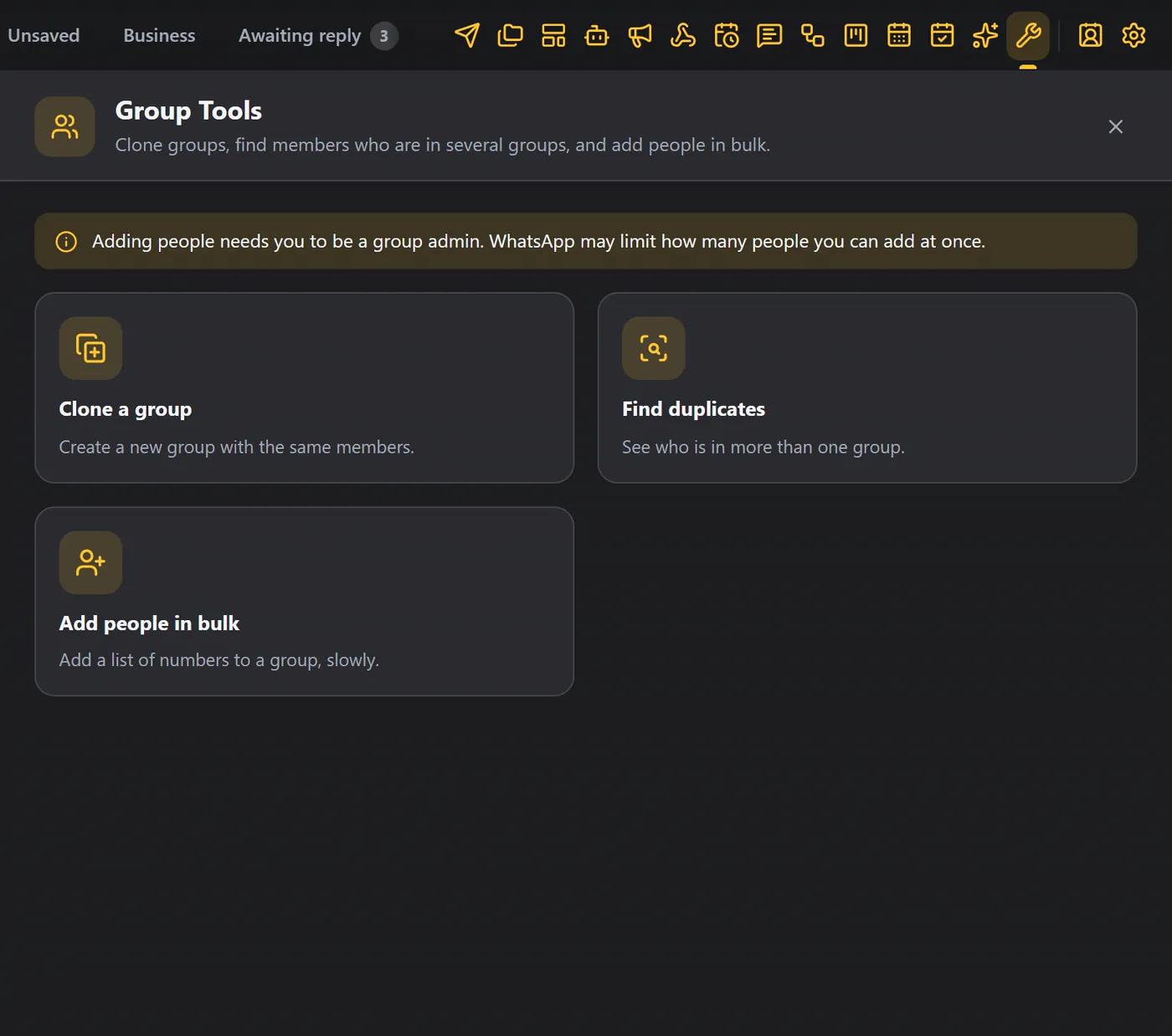
Adding people needs you to be a group admin. WhatsApp may also limit how many people you can add at once, so WAFlow adds them slowly.
Clone a group#
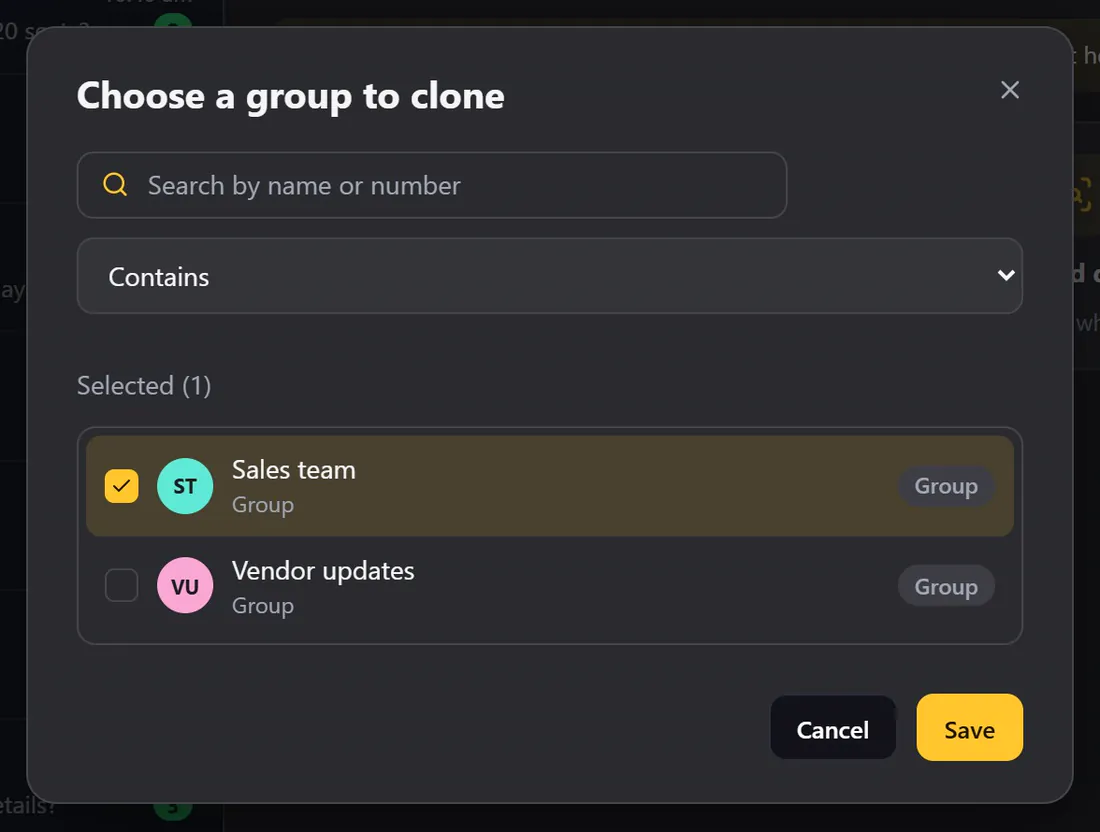
Clone a group makes a new group with the same members.
- Click Clone a group.
- Choose the group.
- Give the new group a name.
Find duplicates#
Find duplicates compares groups. Choose two or more, and you see who is in more than one of them, and which groups. Download the list if you like.
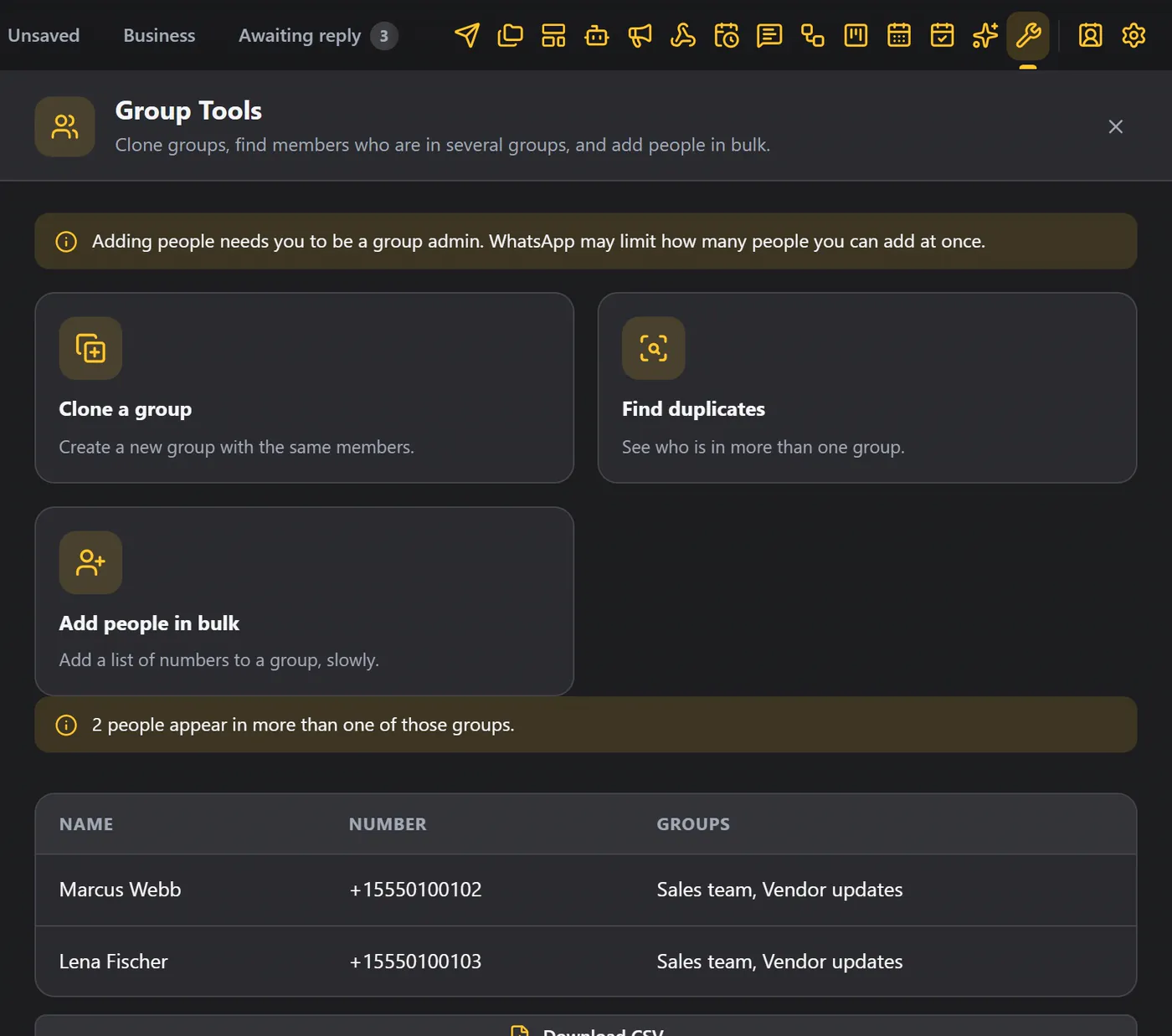
This is handy before you send to several groups, so that nobody gets the same message twice.
Add people in bulk#
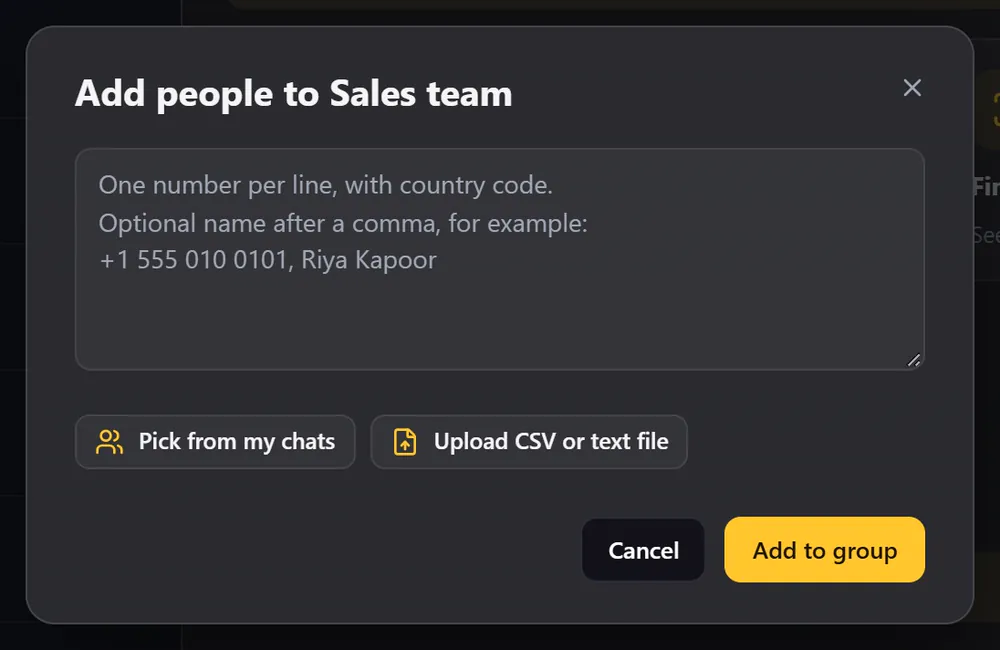
Add people in bulk adds a list of numbers to a group, slowly, one at a time.
- Choose the group.
- Type or paste the numbers (one per line, with the country code), pick from your chats, or upload a CSV or text file.
- Click Add to group.
If someone is not on WhatsApp, or their privacy settings do not allow it, WAFlow tells you how many could not be added.
Tips#
- Check the numbers first with the number validator.
- Add people only who expect to be added. Adding strangers to groups is a fast way to get reported.
- See Safe sending.